What Is a Standalone NVR, and What It Does?
On this page (3 sections)
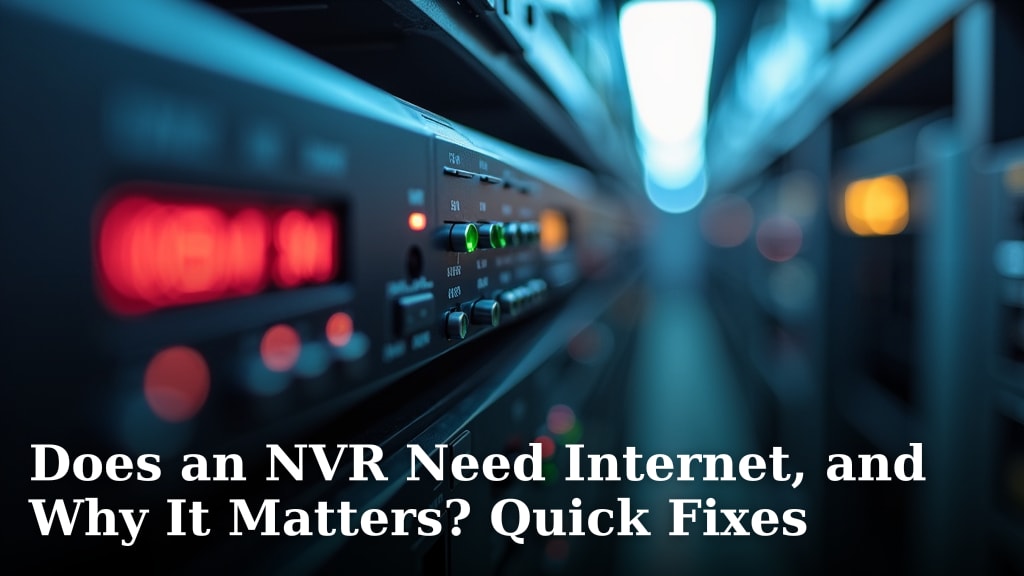
A standalone NVR is a network video recorder that works independently to manage and store video from your security cameras. It’s a smart device that helps keep your property safe by recording footage. Think of it as the brain of your security camera system.
Unlike systems that rely on a computer, a standalone NVR is designed solely for video surveillance. This means it offers better performance and reliability. You get dedicated storage for your video evidence. It’s a solid choice for protecting what matters most to you.
- A standalone NVR records and manages security camera footage.
- It works on its own, without needing a computer.
- It’s built for reliable video surveillance.
- This device is key for storing your video evidence.
Let’s break down exactly what a standalone NVR is and how it can help secure your home or business. We’ll cover all the basics you need to know.
Here is the main body content for your blog post.Understanding Your Standalone NVR System
A standalone NVR is a dedicated device for your security cameras. It’s designed to record and manage video feeds efficiently. Think of it as your home or business’s own personal surveillance vault.
What Exactly Does a Standalone NVR Do?
Your standalone NVR acts as the central hub for your security camera system. For a smaller setup, a 4-channel NVR can connect up to four camera channels. It receives video streams from your network cameras. Then, it records this footage onto its internal hard drive. You can then access these recordings for review. It’s the core component for making sure you have evidence if something happens.
Unlike some older systems that relied on a computer to record, an NVR is built specifically for this job. This specialization leads to much better reliability and performance. Your recordings are less likely to be interrupted. It also means your computer is free to do its usual tasks without being bogged down by video recording.
Receiving Video Feeds
Your NVR connects to your security cameras over your network. These cameras are often IP cameras, which send video data digitally. The NVR then takes these incoming streams. It’s like a digital post office for your video information.
Recording and Storage
The main job of the NVR is to record. It stores all the video data it receives onto its hard drives. Most NVRs come with a hard drive, but you can often upgrade it for more storage space. The amount of storage you need depends on how many cameras you have. It also depends on how long you want to keep recordings. High-definition video takes up more space, so keep that in mind.
Playback and Review
When you need to see what happened, the NVR makes it easy. You can connect a monitor directly to the NVR. This allows you to view live camera feeds. You can also search for past recordings. Many NVRs let you search by date and time. This helps you find the specific footage you’re looking for quickly. It’s like having a searchable video library of your property.
Remote Access Capabilities
Most modern standalone NVRs offer remote access. You can connect your NVR to the internet. Then, you can view live video and recordings from anywhere using a smartphone app or a web browser. This feature is incredibly useful. It allows you to check in on your home or business when you’re away. Many experts agree that this remote viewing capability is a major benefit of modern security systems (National Institute of Standards and Technology).
Standalone NVR vs. Other Systems
It’s helpful to understand how a standalone NVR differs from other surveillance solutions. This helps you choose the best fit for your needs.
NVR vs. DVR (Digital Video Recorder)
You might hear about DVRs alongside NVRs. The main difference is the type of cameras they support. DVRs work with analog cameras. They convert the analog signal to digital before recording. NVRs, on the other hand, work with digital IP cameras. This means the video is digital from the camera all the way to the recorder. Many security professionals prefer NVR systems for their higher image quality and flexibility (Security Industry Association).
NVR vs. Cloud-Based Storage
Cloud storage is another option. With cloud storage, your video is sent over the internet to remote servers. This offers off-site backup. However, it often requires a subscription fee. It also relies heavily on your internet connection. A standalone NVR keeps your footage locally. This can be faster and more private for many users. Some systems offer both local NVR storage and cloud backup for added security.
NVR vs. Computer-Based Recording
As mentioned, a standalone NVR is a dedicated appliance. Recording video using a computer requires special software. That computer must be running constantly. It also uses the computer’s resources. This can slow down your computer. An NVR is optimized for recording. It’s generally more stable and efficient for surveillance tasks.
Key Features to Look For in a Standalone NVR
When you’re choosing a standalone NVR, several features can make a big difference. Thinking about these will help you get the most for your money.
- Number of Channels: This refers to how many cameras your NVR can support. Common options include 4, 8, 16, or 32 channels. Make sure to choose an NVR with enough channels for your current cameras and potential future additions.
- Storage Capacity: This is usually measured in terabytes (TB). More storage means you can keep recordings for longer periods. Consider your camera resolution and frame rate. These impact how much storage you’ll need.
- Resolution Support: Ensure your NVR can support the resolution of your cameras. If you have 4K cameras, your NVR needs to be able to record and play back in 4K.
- Remote Access App: Check if the NVR comes with a user-friendly mobile app. A good app makes it easy to view your cameras from your phone or tablet.
- Video Analytics: Some advanced NVRs offer features like motion detection alerts, line crossing detection, or facial recognition. These can help you get more information from your surveillance footage.
- Ease of Use: Look for an NVR with a straightforward interface. You want to be able to set it up and use it without a lot of technical hassle.
How to Set Up Your Standalone NVR
Setting up your NVR is usually a guided process. Most manufacturers provide clear instructions. Here’s a general overview of what you can expect:
- Connect the NVR: First, plug in the NVR to power. Connect it to your router using an Ethernet cable.
- Install Hard Drive (if necessary): Some NVRs come with hard drives pre-installed. If not, you’ll need to install one. This usually involves opening the NVR casing.
- Connect Cameras: Connect your IP cameras to your network. They can be connected directly to the NVR if it has built-in PoE (Power over Ethernet) ports. Otherwise, they connect to your network switch.
- Initial Setup: Turn on the NVR. You’ll typically be guided through an initial setup wizard. This often includes setting a strong password. You’ll also set the date and time.
- Add Cameras: The NVR will scan your network for compatible cameras. You’ll then add them to the system.
- Configure Settings: Adjust recording schedules, motion detection zones, and other preferences. Set up remote access by following the manufacturer’s instructions.
Maintenance and Best Practices
Keeping your standalone NVR running smoothly is simple with a few regular checks. These practices ensure your system is always ready when you need it.
Regularly Check Recordings: It’s a good idea to periodically review your recordings. This helps you confirm everything is working correctly. You also get familiar with how to find footage. This proactive check can catch issues before they become major problems.
Keep Firmware Updated: Manufacturers release updates for their NVRs. These updates can improve performance and security. We found that many security vulnerabilities are patched through firmware updates (Cybersecurity and Infrastructure Security Agency).
Manage Storage: If your NVR is set to overwrite old footage, keep an eye on your storage. If you need to keep footage longer, you might need to upgrade your hard drive.
Secure Your NVR: Always use a strong, unique password for your NVR. This is your first line of defense against unauthorized access. Also, ensure your home network is secure.
Physical Placement: Install your NVR in a secure, cool, and dry location. Avoid areas with excessive dust or heat. Good ventilation is important for its longevity.
Why Choose a Standalone NVR?
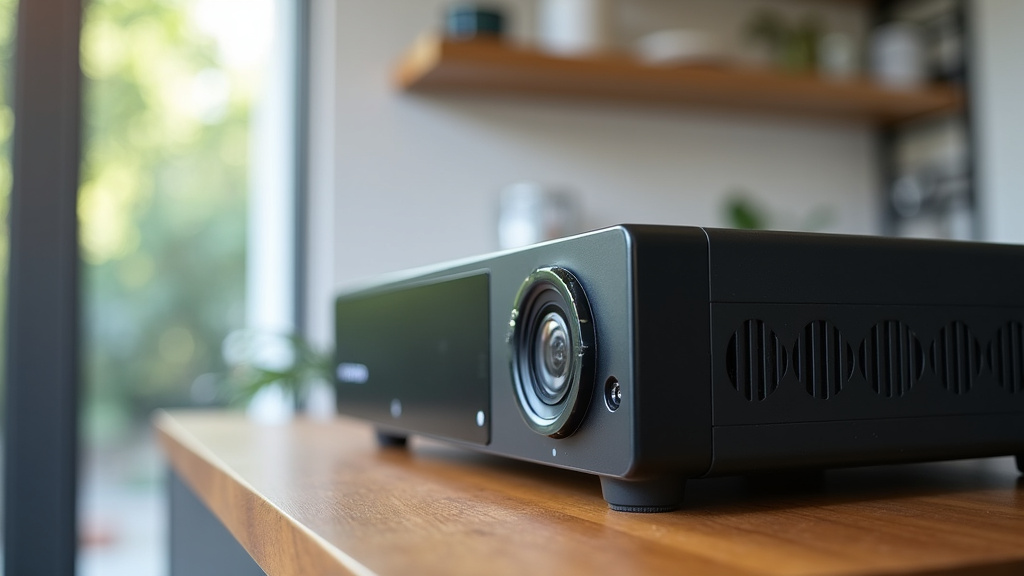
A standalone NVR offers a dedicated, reliable solution for your security camera system. It provides efficient recording and easy access to your video footage. For many homeowners and businesses, it’s the smart choice for peace of mind. It gives you control over your surveillance data.
Here’s a quick checklist to consider for your NVR setup:- Confirm the number of camera channels you need.
- Determine the required storage capacity for your recordings.
- Check if the NVR supports your camera’s resolution.
- Ensure remote access via a mobile app is available.
- Prioritize a strong password and network security.
- Verify the NVR’s compatibility with your cameras.
Conclusion
You’ve learned that a standalone NVR is your dedicated security camera hub. It reliably records and stores footage, offering more stability than computer-based systems. It’s designed for efficient video management, giving you control over your surveillance data. You can review past events and even monitor your property remotely. Making informed choices about channels, storage, and features ensures your system meets your needs. Taking simple steps like updating firmware and securing your password keeps your NVR performing well. Now, you’re ready to choose and set up a system that provides real peace of mind.
Frequently Asked Questions
What is the difference between an NVR and a DVR?
An NVR works with digital IP cameras, recording video directly from them. A DVR, on the other hand, works with older analog cameras and converts their signal to digital before recording. NVR systems generally offer higher image quality and more flexibility.
Do I need a constant internet connection for my standalone NVR?
No, you do not need a constant internet connection for your standalone NVR to record. The NVR records directly to its internal hard drive. However, an internet connection is required if you want to access your footage remotely from a smartphone or computer.
How much storage space do I typically need for an NVR?
The amount of storage you need depends on factors like the number of cameras, their resolution, and how long you want to keep recordings. For example, a few cameras recording in HD for a week might need a 1TB or 2TB drive. Many NVRs allow you to upgrade the hard drive for more storage.
Can I use cameras from different brands with my standalone NVR?
Compatibility can vary. Most standalone NVRs work best with cameras that use the ONVIF (Open Network Video Interface Forum) standard. Always check the NVR manufacturer’s specifications to see which camera brands and models are supported before you buy.
How do I secure my standalone NVR against hacking?
The best way to secure your NVR is by using a strong, unique password for accessing the device. Also, ensure your home or business Wi-Fi network is secured with a strong password and updated security protocols. Keeping the NVR’s firmware updated also helps patch known security vulnerabilities.