What Is a PoE NVR, and How Does It Work?
On this page (3 sections)
A PoE NVR is a network video recorder that uses Power over Ethernet (PoE) technology. This means it can send both data and electrical power to your security cameras through a single network cable. It simplifies your security system setup by reducing the need for separate power outlets near each camera.
Think of it as a smart hub for your security cameras. It records video footage and also powers the cameras directly. This setup is fantastic for home or business security, offering a cleaner installation and a more reliable connection for your surveillance needs.
- A PoE NVR records video from IP cameras.
- It powers cameras through the same network cable.
- This means fewer wires and simpler setup.
- It’s a common solution for modern security systems. Understanding the difference between a standalone camera vs security system is key to choosing the right setup.
Let’s walk through exactly what a PoE NVR is and how it makes your security cameras work, step by step.
Understanding PoE NVRs for Your Security System
A PoE NVR is a network video recorder designed to work with Power over Ethernet technology. It’s a key component in many modern security camera setups. You might be wondering what makes it different from a regular NVR. The main difference is its ability to provide power to your cameras.
What Exactly is Power over Ethernet (PoE)?
Power over Ethernet, or PoE, is a technology that allows electrical power to be transmitted along with data on a single Ethernet cable. Think of it like a multi-tasking cable. This is a pretty clever innovation for networking devices.
How Does PoE Work?
An Ethernet cable, like the one you use for your internet, has eight wires inside. In standard networking, only four of these wires are used for data. PoE technology uses the “spare” wires, or sometimes the same wires used for data, to send electrical power. This is done in a way that doesn’t interfere with the data transmission.
The power is sent in a controlled voltage. This ensures it’s safe for the devices it’s powering. Your PoE NVR acts as the source of this power. It sends the power out through the network cables to your cameras. Many network switches also have PoE capabilities, but with a PoE NVR, the recorder itself handles both power and data for the connected cameras.
Benefits of Using PoE Technology
The biggest advantage of PoE is simplifying your installation. You don’t need to run a separate power cable to each camera. This saves you time and money. It also makes your installation look much cleaner. Fewer cables mean less clutter. This is especially helpful when setting up cameras in difficult-to-reach places.
It also improves reliability. With fewer connections, there are fewer points of failure. A single cable handles both data and power, reducing the risk of a connection issue. This consistent power supply helps your cameras perform better.
How a PoE NVR Connects and Manages Cameras
A PoE NVR is more than just a recorder; it’s the central hub for your surveillance system. It connects directly to your IP cameras using Ethernet cables.
The Connection Process
You connect each IP camera to an available PoE port on the back of the NVR. The NVR then provides both the network connection for data and the electrical power for the camera to operate. This creates a direct link from the camera to the recording device.
This direct connection is key to its functionality. The NVR sends commands to the camera and receives video streams back. Simultaneously, it powers the camera’s internal components, like its lens, sensor, and transmitter.
Data Transmission and Recording
Once connected and powered, your cameras start sending video data. This data travels through the Ethernet cable back to the PoE NVR. The NVR receives this stream and processes it.
It then records this video footage onto its internal hard drive. You can usually configure recording schedules. You can set it to record continuously, or only when motion is detected. The quality of the recording depends on the camera and the NVR’s capabilities. Higher resolution cameras will produce larger files.
Built-in Network Switch Functionality
Many PoE NVRs include a built-in network switch. This means they have multiple Ethernet ports on the back. Each port is designed to connect to a camera and provide PoE. This integrated switch functionality means you don’t need a separate network switch for your cameras.
This consolidates your system components. It makes setup even more straightforward. You connect your cameras directly to the NVR, and then you connect the NVR to your home or office network router. This allows for remote viewing and management.
Key Components of a PoE NVR System
To understand how it works, let’s break down the essential parts of a PoE NVR system. Each piece plays a vital role.
The NVR Unit Itself
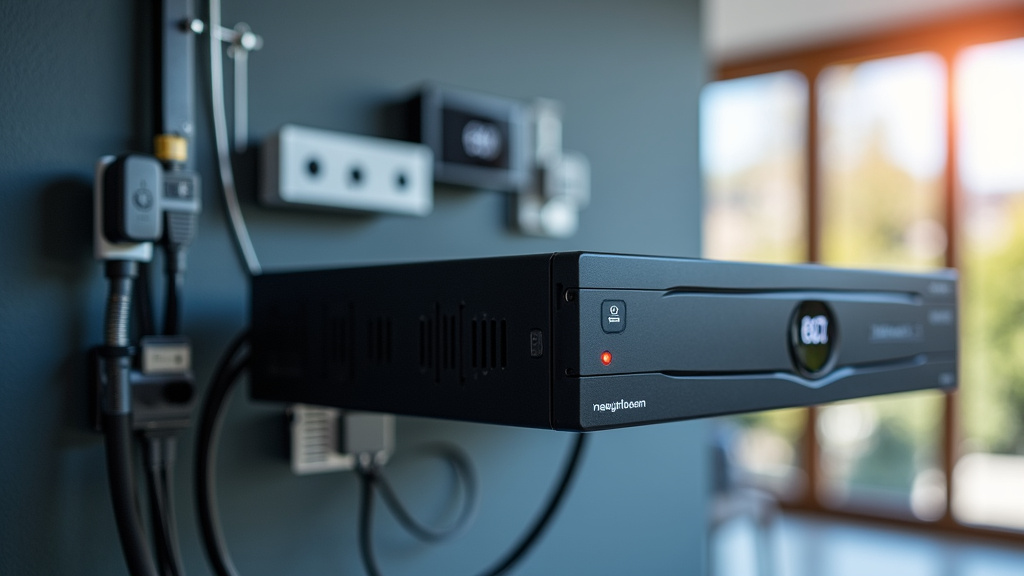
The NVR is the brain of the operation. It’s a dedicated recording device. Inside, it has a processor, memory, and a hard drive for storage. It also has the Ethernet ports with PoE capabilities.
Its primary job is to manage all connected cameras. It handles receiving video feeds, processing them, and storing them. It also allows you to view live footage and playback recorded video. Many NVRs offer features like motion detection alerts and remote access.
PoE-Enabled IP Cameras
These are the cameras that capture the video. For a PoE NVR system, you’ll need IP cameras that are compatible with PoE. They are designed to receive both data and power through a single Ethernet cable.
These cameras are essentially mini-computers. They process the image, convert it into a digital format, and send it over the network. They also have specific power requirements that the PoE NVR must meet.
Ethernet Cables (Cat5e or Cat6)
These are the backbone of your system. Standard Ethernet cables, like Cat5e or Cat6, are used to connect the cameras to the PoE NVR. These cables carry both the video data and the electrical power.
It’s important to use good quality cables. Damaged or low-quality cables can lead to poor video quality or intermittent power. For longer runs, you might need to consider cable quality or signal boosters, though most systems work well within standard Ethernet cable limits (up to 100 meters).
Comparing PoE NVRs to Other Systems
Understanding the differences helps you make the best choice for your needs. PoE NVRs offer a distinct advantage in many situations.
PoE NVR vs. Non-PoE NVR
A non-PoE NVR also records video from IP cameras. However, it does not provide power to the cameras. With a non-PoE NVR, you would need to run a separate power cable to each camera, in addition to the Ethernet cable for data. This is much more complex.
The PoE NVR simplifies this by combining power and data over one cable. This reduces installation complexity and the number of wires needed. For most new installations, a PoE NVR is the preferred choice for its ease of use.
PoE NVR vs. DVR System
DVRs (Digital Video Recorders) are older technology. They typically work with analog cameras. Analog cameras send raw video signals that are less clear than digital IP camera feeds. DVR systems also require separate cables for power and video transmission.
PoE NVRs work with IP cameras, which offer higher resolution and more advanced features. The single-cable solution for power and data is also a major upgrade. If you’re looking for a modern, high-quality security system, an NVR system is generally superior to a DVR.
Making the Most of Your PoE NVR Setup
Once your system is installed, there are a few things you can do to ensure it runs smoothly.
Proper Cable Management
Even with fewer cables, good cable management is important. Secure your cables to prevent damage. Use cable ties or clips to keep them organized. This prevents them from becoming a tripping hazard or getting snagged.
Regular System Checks
It’s wise to periodically check your cameras and NVR. Make sure all cameras are online and recording. Review your footage to ensure image quality is good. Many systems send alerts if a camera goes offline.
Firmware Updates
Manufacturers often release firmware updates for their NVRs and cameras. These updates can improve performance, add new features, and patch security vulnerabilities. Keeping your system updated is a good practice for security and reliability.
Here’s a quick checklist for your PoE NVR system:
- Ensure cameras are properly connected to PoE ports.
- Verify that your hard drive is recognized and has sufficient space.
- Test live viewing from your NVR and through remote access.
- Check motion detection settings if you use them.
- Review recorded footage for clarity and completeness.
- Confirm your network connection for remote viewing is active.
Conclusion
You’ve learned that a PoE NVR is a smart choice for your security needs. It simplifies setup by sending both data and power over a single Ethernet cable to your IP cameras. This means less wiring, a cleaner installation, and a more reliable connection for your surveillance system. By understanding how PoE works and how your NVR manages your cameras, you’re well-equipped to set up and maintain an effective security solution for your home or business. The next step is to assess your specific security needs and choose a PoE NVR system that best fits your property.
Frequently Asked Questions
Can I use regular IP cameras with a PoE NVR?
No, you need IP cameras that are specifically designed to support Power over Ethernet (PoE). Your PoE NVR will provide power, but the camera must be able to receive it. Always check the camera’s specifications to ensure PoE compatibility.
What happens if I plug a non-PoE device into a PoE port on the NVR?
Most modern PoE NVRs and switches are designed to detect if a device needs power. If you plug in a device that doesn’t support PoE, it should simply not receive any power. The device should still function if it has its own power source, but it won’t get power from the NVR port.
How far can an Ethernet cable run from a PoE NVR to a camera?
Standard Ethernet cables (Cat5e or Cat6) can typically run up to 100 meters (about 328 feet) while still providing both data and power. For longer distances, you might need specialized equipment like Ethernet extenders or fiber optic cables.
Do I need a separate network switch if my NVR has PoE ports?
If your NVR has enough built-in PoE ports to connect all your cameras, you generally do not need a separate PoE switch. The NVR acts as both the recorder and the power source for your cameras. If you have more cameras than ports, you’ll need an additional PoE switch.
Can a PoE NVR power cameras that require a lot of electricity?
PoE standards have different power output levels. Your PoE NVR will have a specific total power budget. You need to ensure the NVR’s power output is sufficient for all connected cameras, especially if they have features like infrared night vision or pan-tilt-zoom. Check the power consumption of your cameras and the NVR’s specifications.