What Is a Security Camera Kit, and Why It Matters?
On this page (7 sections)
A security camera kit is a bundle of pre-selected cameras and a recorder, like a DVR or NVR, designed to work together seamlessly. It simplifies home or business security by providing a complete, compatible system in one package, rather than buying individual parts. This all-in-one approach makes it much easier for you to get started.
These kits offer a one-box solution for your security needs. We found that they typically include the cameras, a recorder, necessary cables, and often software. They are popular because they remove the guesswork of matching compatible components, ensuring everything talks to each other right out of the box.
- A security camera kit is a complete, bundled system for video surveillance.
- It includes pre-matched cameras, a recorder, and essential accessories.
- Kits are a convenient way to get a reliable, working system without technical expertise.
- They matter because they provide a straightforward path to monitoring your property.
- Choosing the right one depends on your specific coverage needs and budget.
Below, we walk through exactly what you get in a kit, why it’s a practical choice, and how to pick the one that’s right for your home or business.
Breaking Down the Security Camera Kit
A kit is your security starter pack. Think of it like a meal kit for dinner. Instead of hunting for recipes and groceries, you get pre-measured ingredients and instructions. This bundle removes the frustration of guessing if parts will work together. You can focus on where to place cameras, not on technical specs.
Most kits contain the same core components. This standardization is what makes them so user-friendly. You won’t need a tech degree to set up your first camera. The real value is the compatibility that’s built right in.
What’s Inside the Box?
Opening a security kit should feel straightforward. Everything you need to get started is usually packed inside. We’ve found that reputable brands ensure all necessary cables and connectors are included. This prevents that sinking feeling when you realize you’re missing one crucial piece.
The Cameras
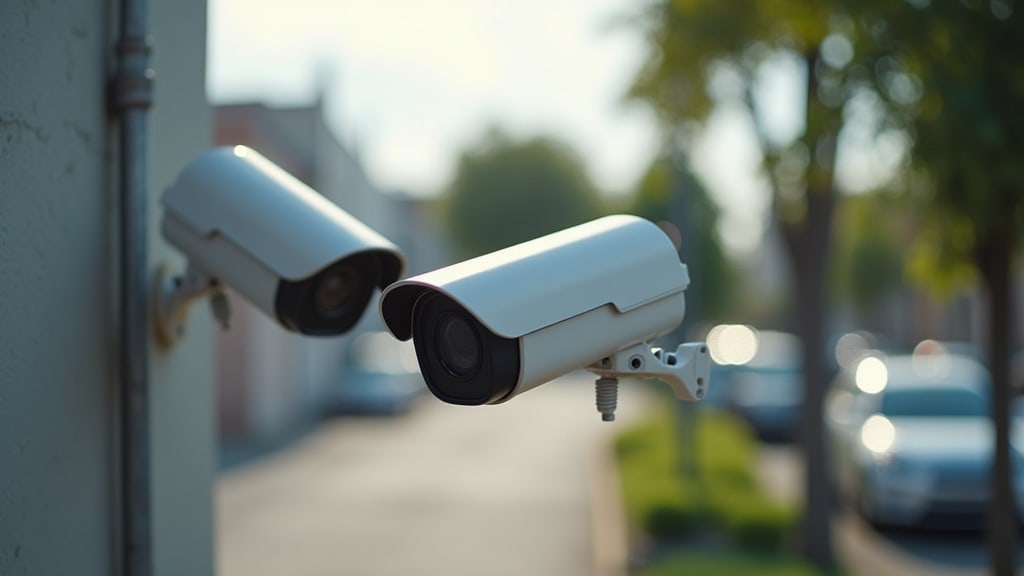
This is the eye of your system. Kits typically include 2 to 16 cameras, depending on the package. They are often a mix of types, like bullet or dome cameras, optimized for different views. You might get outdoor cameras that are weatherproof and indoor cameras for halls or rooms. The key is that they are already programmed to connect to the kit’s recorder.
The Recorder: DVR vs. NVR
This is the brain. It’s the box that stores all the video footage. You’ll see two main types in kits:
- DVR (Digital Video Recorder): This uses older analog cameras. It connects via coaxial cables, which are the thick, round wires. It’s a robust and often more affordable option.
- NVR (Network Video Recorder): This is for modern IP (Internet Protocol) cameras. It uses Ethernet cables, which look like thicker phone cords. NVR systems often offer higher resolution and more advanced features.
The Wires and Accessories
The kit will include the right cables to connect cameras to the recorder. You’ll also likely get a mouse to navigate the system’s menu. Some kits even come with a small hard drive installed in the recorder, so it’s ready to record immediately. Always check the product details to confirm what’s included.
Why a Kit Often Makes More Sense
Buying parts separately can feel like a puzzle. A kit hands you the completed picture. The primary benefit is guaranteed compatibility. The manufacturer has already tested that the cameras, recorder, and software work in harmony. This is something we found many first-time buyers appreciate deeply.
It also simplifies your shopping. You make one purchase decision instead of five. This streamlined process is a big reason why kits dominate the market for homeowners and small businesses.
The Key Advantages of Bundling
Let’s look at why this approach is so popular. It’s not just about convenience; it’s about reliability and value.
Guaranteed Compatibility
Imagine buying a camera and a recorder only to find they speak different languages. A kit eliminates this risk. The devices are designed as a family. This “plug-and-play” nature is their biggest strength. According to guides from sources like Safety.com, this all-in-one approach is ideal for those who want effective security without a steep learning curve.
Simplified Installation
Most kits are designed for DIY setup. The instructions assume you’re starting from scratch. You won’t need specialized tools. The included cables are the correct length for typical installations. You can often have your system running in an afternoon. That sense of accomplishment is hard to beat.
Cost-Effective Starting Point
Purchasing a bundle is usually cheaper than buying each item individually. Retailers offer better pricing on packaged goods. You get a complete, working system for your budget. This makes reliable security more accessible for more people.
Common Types of Security Camera Kits
Not all kits are the same. They are built for different needs and budgets. Understanding the main types helps you choose wisely. We found that matching the kit type to your location is the most important first step.
| Kit Type | Best For | Key Feature |
|---|---|---|
| Wired PoE Kit | Permanent installations for homes & businesses. | Cables carry both data and power to cameras. |
| Wireless Wi-Fi Kit | Renters or those who can’t run cables. | Cameras connect via Wi-Fi; still need power cables. |
| Analog DVR Kit | Budget-conscious users wanting simplicity. | Uses older, straightforward technology. |
| IP NVR Kit | Those wanting higher detail and advanced features. | Higher resolution and analytics options. |
Wired vs. Wireless: What’s the Difference?
The terms can be confusing. Let’s clarify them. “Wired” can mean two things: the connection to the recorder and the power source.
The Power over Ethernet (PoE) Advantage
This is the gold standard for wired systems. A single Ethernet cable from the recorder to the camera provides both power and video data. This means you only need to run one cable per camera. Many experts say PoE offers the most stable and reliable connection (Security.org).
The Truth about “Wireless” Cameras
Wireless cameras send video signals without a data cable. However, they still need a power source. You must plug them into an electrical outlet. This can limit placement options. The benefit is less drilling and wiring.
Figuring Out Your Security Needs
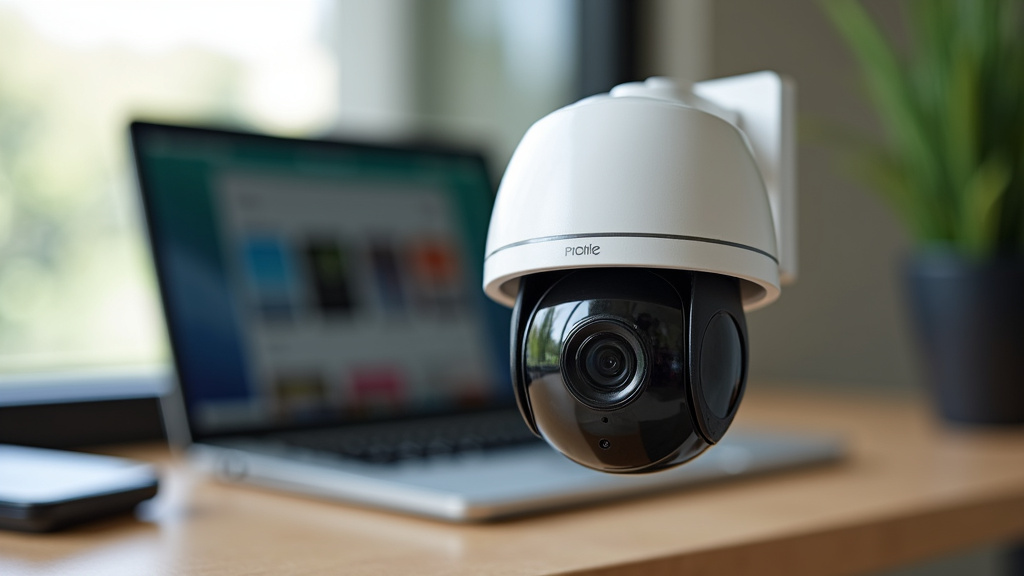
Before you buy, take a moment to walk around your property. Where are the key areas you want to watch? Your front door, driveway, back patio, and side gates are common spots. Do you need to see faces or just movement? This will influence the camera resolution you need.
Consider your daily routine. Do you need to check in on pets or kids during the day? A kit with remote viewing via a smartphone app becomes essential. Thinking this through ensures you get a system that truly serves you.
Key Factors to Consider
Making the right choice boils down to a few practical questions.
Number of Cameras and Coverage
Count the spots you want to monitor. Then, add one or two extra cameras for flexibility. Kits with 4, 8, or 16 channels (camera slots) are common. Remember, you can often mix camera types on a single NVR system.
Resolution and Night Vision
Look for at least 1080p resolution for clear images. Higher is better for capturing details like license plates. For night, ensure the cameras have good infrared (IR) night vision. We found that quality night vision is non-negotiable for 24/7 security.
Storage Capacity
How many days of footage do you want to keep? The hard drive size (measured in TB) determines this. A 1TB drive might hold about a week of continuous recording from four cameras. You can often upgrade storage later if needed.
Your Quick-Start Checklist
Ready to choose? Use this simple checklist to guide your decision. It covers the essentials for a confident purchase.
- Define Your Goal: What specific problems are you solving? (e.g., package theft, monitoring pets, securing a business).
- Survey Your Property: Physically walk through and count the locations that need a camera.
- Check Your Tech Comfort: Are you okay with running cables, or do you prefer a wireless setup?
- Review the Kit Contents: Ensure it includes cameras, a recorder, cables, and a power supply.
- Plan for Power Sources: Identify where each camera can be plugged in, especially for wireless models.
- Think About Storage: Decide how many days of video history are important to you.
By following these steps, you move from a broad question to a specific, informed choice. A security camera kit is a powerful tool for peace of mind. The right one, chosen thoughtfully, will serve you reliably for years to come. Take your time, check the details, and you’ll find the perfect system for your space.
Conclusion
A security camera kit is your most direct path to reliable property monitoring. It bundles compatible cameras and a recorder, removing the guesswork from building a system. You get a complete solution that’s designed to work together from day one. This saves you time, reduces installation headaches, and often fits a standard budget better than piecing parts together. Whether you choose a wired PoE kit for stability or a wireless setup for flexibility, the core benefit remains the same: simplicity. Your next step is to walk your property, note your key surveillance spots, and use our checklist to find a kit that matches your specific needs.
Frequently Asked Questions
Can I add more cameras to a security kit later?
Often, yes. Many NVR and DVR kits have extra available channels. You can usually buy compatible cameras from the same brand to add on. Always check your recorder’s specifications for maximum camera capacity before purchasing.
Do security camera kits work during a power outage?
The cameras and recorder need power to operate, so they will shut off. Some higher-end recorders have battery backups to keep recording briefly. The system may still send alerts to your phone if it has battery-powered cellular data.
How difficult is DIY installation really?
For most wired PoE kits, installation is straightforward but requires running cables. We found that homeowners with basic comfort using a drill and screwdriver can handle it. Wireless kits are generally simpler, mainly needing you to plug in each camera’s power adapter.
Will the cameras work in bad weather?
Outdoor-rated cameras in a kit are built for rain, snow, and dust. Look for an IP66 or higher weatherproof rating in the product details. Indoor cameras are not designed for outdoor use and should not be exposed to the elements.
Is cloud storage always required?
No, most security camera kits record locally to a hard drive inside the recorder. For more on local-only camera systems, see our guide. You own your footage and don’t pay a subscription. Some kits offer optional cloud storage for backup, but it’s usually not mandatory for the system to function.