What Is an All in One Security Camera, and How Does It Work?
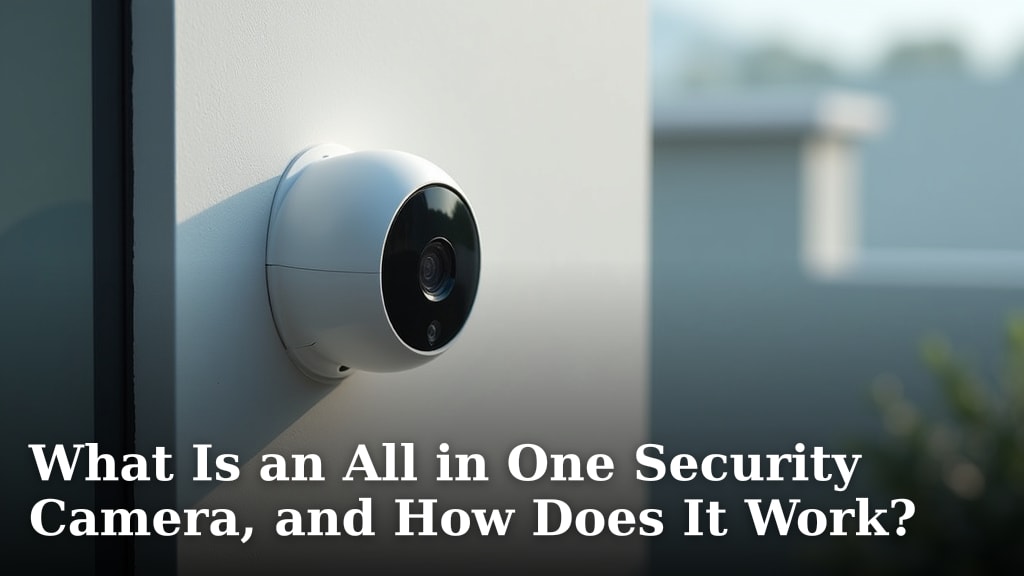
An all-in-one security camera is a single device that combines multiple security features, like video recording, motion detection, and sometimes even two-way audio, into one unit. It aims to simplify home security by reducing the need for separate gadgets. We found these cameras offer a convenient way to monitor your property.
Think of it as your home’s watchful eye and helpful assistant rolled into one. These systems are designed to be easy to set up and manage, often connecting wirelessly to your phone or home network. Many people are turning to them for added peace of mind at home.
- What it is: A single device with multiple security functions.
- Key benefit: Simplifies security by reducing gadgets.
- How it works: Combines recording, motion detection, and more.
- Convenience: Often wirelessly connects to your phone.
- Goal: Provides easier home monitoring and peace of mind.
Ready to see how this all comes together? Let’s dive into what an all-in-one security camera actually is and how it keeps watch over your home.
Understanding Your All-in-One Security Camera System
An all-in-one security camera isn’t just a camera; it’s your home’s modern-day security guard. We’ve found these devices pack multiple functions into one tidy package. This means fewer gadgets to buy, set up, and manage. Think of it as a single point of contact for your home’s safety. You get video recording, motion alerts, and often much more, all from one device.
The goal is simple: to give you peace of mind without the hassle. Many people want better home security but are put off by complicated systems. That’s where the all-in-one camera shines. It simplifies things so you can focus on what matters most – keeping your home and loved ones safe.
What Exactly Makes a Camera “All-in-One”?
When we talk about an all-in-one security camera, we’re referring to a single unit that integrates several security features. It’s more than just a camera that records video. These cameras are designed to be a complete surveillance solution. They often include built-in sensors and smart technology.
The key is integration. Instead of needing a separate motion detector, a separate camera, and maybe a separate audio device, an all-in-one camera combines these. This reduces clutter and makes installation much easier for the average homeowner. You get a lot of bang for your buck in a single device. You can also learn about a decoy camera for basic deterrence.
Core Features You’ll Find
We’ve looked at many models, and most all-in-one cameras offer a core set of features that make them so useful. These are the building blocks of your home security:
- Video Recording: Of course, this is the primary function. You can expect clear video footage, often in high definition.
- Motion Detection: This is a huge part of smart security. The camera detects movement and can trigger an alert or start recording.
- Night Vision: Many come with infrared LEDs so you can see what’s happening even in complete darkness.
- Two-Way Audio: This feature lets you speak and listen through the camera. It’s great for talking to visitors or deterring intruders.
- Mobile Connectivity: Almost all of these cameras can connect to your home Wi-Fi. This allows you to view live feeds and receive alerts on your smartphone or tablet.
Beyond the Basics: Advanced Add-ons
Some all-in-one cameras go even further. They might include features that offer a deeper level of security and convenience. We’ve seen models with:
- Siren Functionality: A built-in siren can scare off unwanted visitors.
- Smart Alerts: Advanced models can differentiate between people, pets, and vehicles. This reduces false alarms.
- Facial Recognition: Some higher-end models can learn to recognize familiar faces.
- Environmental Sensors: A few cameras even include sensors for smoke or carbon monoxide.
How These Smart Cameras Keep Watch
So, how does this single device manage to do so much? The magic lies in its integrated technology and connectivity. It’s a smart hub for your home’s visual security. Researchers have found that these systems are designed to be user-friendly, even for those who aren’t tech wizards.
At its heart, the camera captures video. But it’s the smart processing and communication that make it truly “all-in-one.” It’s like having a vigilant sentry that’s always on duty, 24/7.
The Recording Process: Capturing the Action
When the camera detects something interesting, like movement, it begins recording. You typically have options for where this footage is stored. Many cameras offer cloud storage. This means your videos are saved online, accessible from anywhere.
Local storage is another common option. This often involves a microSD card inserted directly into the camera. Some systems might use a dedicated base station or DVR for storage. We found that having both cloud and local storage options provides great flexibility.
Triggering an Event: Motion Detection Explained
Motion detection is usually powered by a Passive Infrared (PIR) sensor or by analyzing changes in the video feed itself. PIR sensors detect heat signatures, which are given off by living things like people and animals. Video-based motion detection analyzes the pixels in the camera’s view.
When motion is detected, the camera is alerted. This alert can then trigger several actions. It might start recording, send a notification to your phone, or even activate a built-in siren. Many experts say this is the most critical feature for real-time awareness (National Institute of Standards and Technology).
Staying Connected: Wi-Fi and Your Phone
The wireless connection is key to the “all-in-one” experience. Most cameras connect to your home Wi-Fi network. This allows them to communicate with the internet. Through an app on your smartphone, you can then:
- View live video feeds from anywhere.
- Receive instant alerts about motion or other events.
- Access recorded footage.
- Control camera settings.
- Use the two-way audio feature.
This constant connection keeps you informed about what’s happening at home, even when you’re miles away. We found that a stable Wi-Fi connection is essential for smooth operation.
The Role of Two-Way Audio and Other Sensors
Two-way audio turns your camera into a communication device. It’s like having a walkie-talkie integrated into your security system. You can hear what’s happening near the camera and speak through its built-in speaker. This is useful for:
- Greeting delivery drivers when you’re not home.
- Talking to your children after school.
- Scaring off potential intruders with your voice.
Beyond audio, some all-in-one units might incorporate other sensors. These could include environmental sensors for smoke or leaks. While less common, they add another layer of home monitoring capabilities.
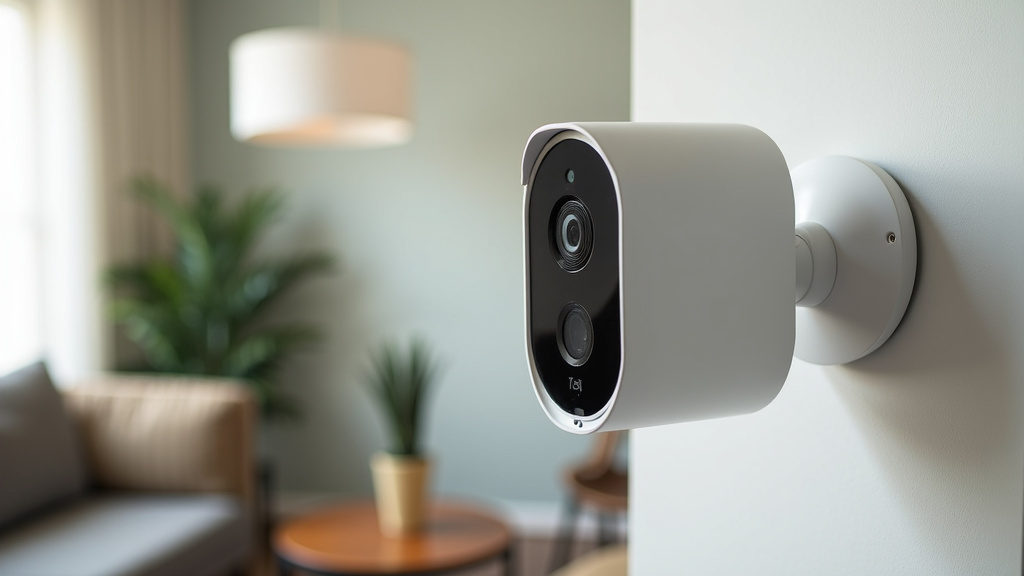
Setting Up Your All-in-One Security Camera
One of the biggest draws of these systems is their ease of setup. Many are designed for DIY installation. You won’t typically need to hire a professional. We found that most setups can be completed in under an hour.
It’s about plug-and-play simplicity. The goal is to get your camera up and running quickly, so you can start benefiting from enhanced security right away. Here’s a general idea of what you can expect:
A Typical Setup Checklist
While specific steps vary by brand, most installations follow a similar pattern. Here’s a quick rundown of what you’ll likely do:
- Unpack and Power Up: Take your camera out of the box and connect it to a power source.
- Download the App: Find the manufacturer’s app in your smartphone’s app store.
- Connect to Wi-Fi: Follow the app’s instructions to link your camera to your home Wi-Fi network.
- Position Your Camera: Mount the camera in your desired location, ensuring a good field of view.
- Configure Settings: Use the app to set up motion detection zones, notification preferences, and recording schedules.
- Test Everything: Walk in front of the camera to ensure motion detection works and you receive alerts.
Many users appreciate that these cameras often don’t require complex wiring. This saves time and effort, making home security accessible to more people.
Choosing the Right Placement for Your Camera
Where you place your camera is crucial for its effectiveness. You want to cover key entry points and vulnerable areas. Consider placing cameras:
- Near main doors: To monitor who comes and goes.
- Overlooking driveways or garages: For visibility of vehicles and activity.
- In common living areas: For indoor monitoring.
- At the highest point possible: To get a wider field of view and reduce blind spots.
Think about the angle and height. You want to capture clear, unobstructed views. Most cameras come with mounting hardware, making installation straightforward.
Storage Options: Cloud vs. Local
Understanding your storage options is important. Both cloud and local storage have pros and cons. We found that many users opt for a combination of both for maximum security.
| Storage Type | Pros | Cons |
|---|---|---|
| Cloud Storage | Accessible anywhere; footage is safe from local theft or damage. | Requires a subscription fee; relies on internet connection. |
| Local Storage (microSD) | No ongoing fees; works even if internet is down. | Card can be stolen with the camera; limited capacity. |
Many systems offer free tiers for cloud storage, but these usually have limitations on recording length or video quality. Paid plans offer more features and longer storage periods. Check the specifics for each camera model you consider.
Conclusion
You’ve learned that an all-in-one security camera simplifies home protection. These devices combine essential features like recording, motion alerts, and two-way audio into a single unit. We found they make setup easy and offer a convenient way to monitor your property from your phone. By integrating multiple functions, they reduce clutter and provide peace of mind. To enhance your home’s security, consider researching specific all-in-one camera models that fit your needs and budget. Take the next step by comparing features and reading user reviews to make an informed choice for your home.
Frequently Asked Questions
Can I use an all-in-one security camera without Wi-Fi?
Most all-in-one security cameras rely on Wi-Fi to connect to your home network and send alerts to your phone. Without Wi-Fi, you may lose remote viewing and notification capabilities. Some models might offer local recording to an SD card, but full functionality usually requires an internet connection.
How long do all-in-one security cameras typically record for?
Recording duration depends on your storage settings and the camera’s capabilities. Continuous recording can fill up local storage quickly. Most cameras are set to record when motion is detected, which conserves storage space. Cloud storage plans often allow for longer or continuous recording, but with subscription fees.
Are all-in-one security cameras easy to install for beginners?
Yes, most all-in-one security cameras are designed for easy DIY installation. They typically involve plugging the camera into a power source and connecting it to your Wi-Fi network via a mobile app. You generally won’t need to run complicated wiring or hire a professional installer.
What happens if my internet goes down? Will the camera still work?
If your internet connection goes down, most all-in-one cameras will stop sending alerts and live feeds to your phone. However, many will continue to record locally to a microSD card if one is inserted. Once your internet is back online, you can usually access these recordings.
Can I view footage from my all-in-one camera on multiple devices?
Generally, yes. Most brands allow you to link your camera to your account and access the live feed and recorded footage from multiple smartphones, tablets, or computers. You usually just need to log into the same account on each device.