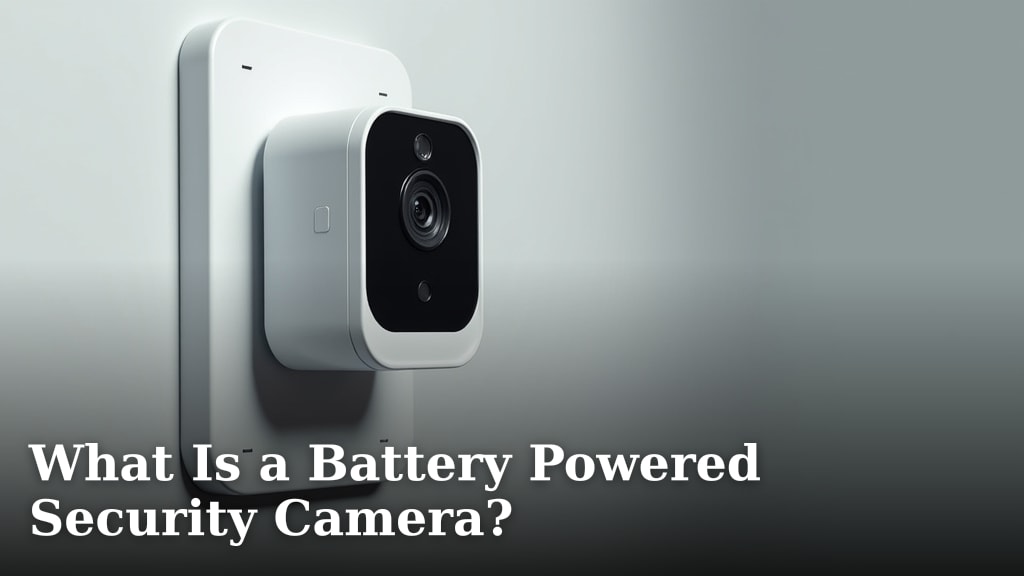
What Is a Battery Powered Security Camera?
A battery-powered security camera is a wireless security camera that runs on rechargeable batteries instead of a constant plug-in power source. This makes it incredibly easy to install and move around your property without needing an electrician or messy cables.
These cameras offer flexible surveillance for places like front doors, sheds, or rental properties where wiring isn’t practical. We found that many homeowners love the simplicity of a no complicated wiring setup, allowing them to place them almost anywhere on their property with a Wi-Fi signal.
- They run on rechargeable battery packs, so you must periodically recharge them.
- Perfect for renters or spots without nearby power outlets.
- Offer features like motion alerts, night vision, and video recording.
- Battery life varies based on usage, from a few months to over a year.
Below, we break down everything you need to know, from how long the battery lasts to where to place them for the best results. Let’s walk through the key details to help you decide if one is right for you.
Defining a Wireless Battery Security Camera
A wireless battery security camera is a self-contained surveillance device that operates entirely on **rechargeable battery power**. Unlike traditional systems, it does not require a direct wire to an electrical outlet for power. It connects to your home network over **Wi-Fi to send video alerts and recordings** to your phone or a cloud service.
Core Components You’ll Find Inside
These cameras package several key technologies into one weather-resistant unit. Understanding these parts helps you see why they’re so flexible.
- Rechargeable Battery Pack: Usually lithium-ion, this is the heart of the system. It powers all camera functions.
- Image Sensor and Lens: Captures video, typically in 1080p or higher resolution. The lens defines the field of view.
- Infrared (IR) LEDs: Provide night vision capability, allowing the camera to see in complete darkness.
- Motion Sensor: Often a Passive Infrared (PIR) sensor that detects heat movement to trigger recording and alerts, saving battery life.
- Wi-Fi Radio: Transmits video data to your home router and receives commands from your app.
- Microphone and Speaker: Enables two-way audio, so you can speak to a visitor at your door from your phone.
How It Stays Connected Without Wires
While power is wireless, connectivity is not. Your camera must be within the **range of your Wi-Fi network**. A weak signal can cause video delays, poor quality, or missed alerts. We found that many performance issues stem from poor placement far from the router, not a camera defect.
Understanding Battery Life and Power Management
Battery life is the number one concern for most buyers. There is no single answer, as it depends heavily on how you use the camera. Manufacturers often cite “up to 6 months” or “1 year,” but these figures are based on very specific test conditions.
Key Factors That Drain the Battery Faster
Think of your camera’s battery like the gas tank in your car. How you drive (or, in this case, how you set it up) changes your mileage dramatically.
- Event Frequency: More motion events mean more recordings and more battery use. A camera watching a busy street will drain much faster than one on a quiet side door.
- Video Quality: Recording in 2K or 4K resolution uses more power than 1080p.
- Sensitivity Settings: A highly sensitive motion sensor will trigger more often.
- Live View Usage: Constantly checking the live feed from your app is a significant drain.
- Cold Weather: Lithium-ion batteries lose capacity in cold temperatures. Performance can drop noticeably below freezing.
Common Battery Life Estimates
We researched typical performance based on manufacturer data and real-world user reports. Here is a general guide.
| Usage Scenario | Estimated Battery Life |
|---|---|
| Low-traffic area, 10 events per day | 3 to 6 months |
| Moderate traffic, 30-50 events per day | 1 to 3 months |
| High-traffic, 100+ events per day | 2 to 8 weeks |
| Frequent live view checks | Reduces life by 25-50% |
Making Your Battery Last Longer
You can take control with a few smart adjustments. These tips can significantly extend the time between charges.
- Optimize Motion Zones: In your app, set the camera to only detect motion in critical areas, like your doorway, and ignore the busy sidewalk.
- Lower Recording Resolution: If crisp detail isn’t vital for a certain spot, drop the quality to 1080p.
- Adjust Motion Frequency: Increase the cooldown period between alerts (e.g., send an alert only once every 5 minutes, even if motion continues).
- Limit Live Viewing: Use snapshots or shorter clips instead of prolonged live feeds.
Where to Place a Battery-Powered Camera
The freedom to place cameras anywhere is their biggest strength. But “anywhere” should still be strategic. The best spot balances clear visibility, Wi-Fi signal, and weather protection. For discreet placement ideas, consider our guide to hidden security cameras.
Prime Locations Around Your Property
Think like an intruder or a delivery driver. Where is the most useful point of view? Many experts say front and back doors are the first priority (FBI Crime Data Explorer).
- Front Door/Entryway: Captures faces of visitors and delivery people. Mount it under an eave to keep rain off the lens.
- Back Door or Garage Door: These are common, less-monitored entry points for thieves.
- Driveway or Walkway: Great for monitoring vehicles and packages. A wide-angle lens is helpful here.
- Shed, Barn, or Detached Garage: Perfect for protecting property where running power is difficult.
- Interior Points: Useful for monitoring a home office, nursery, or a room with valuables when you’re away.
Critical Placement Do’s and Don’ts
Do: Mount the camera at a height of about 8-10 feet. This provides a good view of faces without being easily reachable. Aim it slightly downward.
Don’t: Point the camera directly at a bright light source like the sun or a floodlight. This will cause the image to be washed out and silhouette subjects. Avoid placing it where tree branches or bushes constantly sway and trigger motion alerts.
Key Features to Look For
Not all battery cameras are created equal. As you shop, focus on the features that match your specific needs.
Essential Features for Basic Security
- 1080p (or higher) Resolution: Provides clear, detailed footage for identifying faces or license plates.
- Night Vision: Look for clear black-and-white or, even better, color night vision for after-dark monitoring.
- Motion-Activated Alerts: Instant notifications to your phone when movement is detected.
- Two-Way Audio: Lets you communicate with whoever is in view.
- Local and Cloud Storage: Options to save clips to a microSD card inside the camera or to a secure cloud service.
Advanced Features for Added Convenience
- Solar Panel Compatibility: A game-changer for hard-to-reach spots. A small solar panel can top off the battery with sunlight, potentially making it last indefinitely.
- Person Detection / Package Detection: Smart alerts that use AI to tell you if the motion is a person, animal, vehicle, or package, reducing false alarms.
- Spotlight or Siren: A built-in light or siren that can be triggered automatically or manually to deter intruders.
- Geofencing: The camera can turn off when your phone (indicating you) is home and automatically arm itself when you leave.
Battery Camera vs. Wired Camera: A Quick Comparison
Choosing between a battery and a wired camera depends on your priorities. One offers ultimate flexibility, the other offers ultimate reliability.
| Aspect | Battery-Powered Camera | Wired (Hardwired) Camera |
|---|---|---|
| Installation | DIY-friendly, no tools needed beyond a drill for the mount. | Often requires an electrician and professional installation. |
| Power Source | Rechargeable battery. Requires periodic maintenance. | Constant power from your home’s electrical system. No charging. |
| Placement | Virtually anywhere with Wi-Fi. | Limited to locations near existing wiring or outlets. |
| Maintenance | Must recharge batteries every few months. | Very low maintenance once installed. |
| Reliability | Can die if battery isn’t charged. Susceptible to cold. | Consistent power, 24/7 operation without fail. |
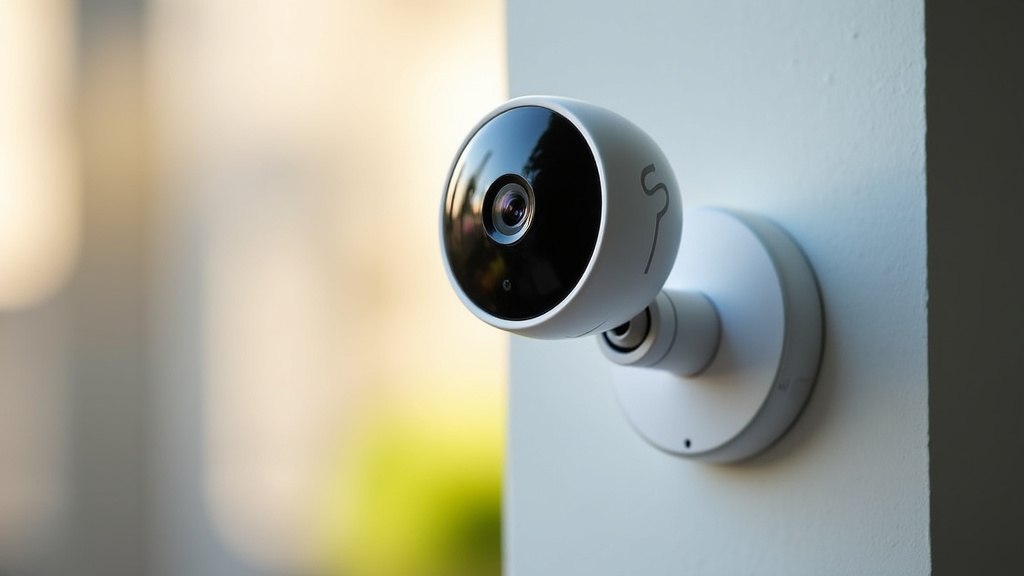
Installation and Setup in Minutes
The promise of easy setup is real. Most users have their camera running in under 15 minutes. The process is usually this simple.
- Charge the Battery: Charge it fully using the included cable before first use.
- Download the App: Install the manufacturer’s app on your phone and create an account.
- Add the Camera: Scan the QR code on the camera or its packaging within the app.
- Connect to Wi-Fi: Follow the app’s prompts to connect the camera to your home Wi-Fi network.
- Mount and Aim: Use the adhesive strip or screws to mount it in your chosen spot. Aim it using the live view on your phone.
Charging and Maintenance Tips
To keep your system running smoothly, follow these practical guidelines.
- Charge Proactively: Don’t wait for the battery to hit 0%. Most apps will alert you at 15-20%.
- Plan for Removal: Mount the camera in a spot where you can easily reach it to take it down for charging. A simple hook or magnetic mount helps.
- Weather Check: Periodically wipe the lens and housing to remove dust, spiderwebs, or water spots that can obscure the view.
- Firmware Updates: Keep the camera’s software updated. These updates often include battery life improvements and security patches.
Your Simple Buyer’s Checklist
Before you click “buy,” run through this quick list to ensure you’re getting the right camera for your home.
- ✅ What specific area(s) do I need to monitor?
- ✅ What is my Wi-Fi signal strength in that location?
- ✅ How much traffic (people, pets, cars) will the camera see daily?
- ✅ Do I prefer local storage (microSD card) or cloud storage?
- ✅ Is solar power compatibility important for hard-to-reach spots?
- ✅ Do I need advanced features like person detection or a built-in spotlight?
Conclusion
A battery-powered security camera offers a practical, wire-free solution for flexible home monitoring. You now understand how these cameras work, what drains their battery, and where to place them for the best results. Remember that strong Wi-Fi and smart settings are key to reliable performance. Your next step is simple: assess your specific property needs and Wi-Fi strength in the areas you want to protect. This will guide you to the right camera that balances convenience with dependable security.
Frequently Asked Questions
Do battery cameras work well in cold weather?
Lithium-ion batteries lose capacity in cold temperatures. Performance and battery life can drop noticeably if the camera is exposed to freezing conditions for long periods. We recommend checking the manufacturer’s specified operating temperature range before installing a camera in a very cold climate.
How often do I really need to recharge the battery?
It depends entirely on your specific setup. A camera watching a quiet backyard might last 4-6 months, while one at a busy front door could need a charge every 4-8 weeks. The best practice is to check the battery level in the app monthly and charge it when it reaches around 20%.
What if my Wi-Fi signal is weak where I want to put the camera?
A weak Wi-Fi signal will cause poor video quality, delayed alerts, and increased battery drain. Before installing, use your phone to test the signal strength in that location. If it’s weak, consider moving the camera closer to your router or using a Wi-Fi range extender.
Can I use a battery camera without a subscription fee?
Yes, most battery cameras offer a local storage option. You can insert a microSD card into the camera to save video recordings locally. This allows you to avoid monthly cloud storage fees, though you may miss out on some remote access features.
Are these cameras truly weatherproof for outdoor use?
Most are designed for outdoor use with an IP weather-resistance rating, commonly IP65. This means they are protected against dust and low-pressure water jets. However, you should still mount them under an eave or overhang to protect them from direct, heavy rain and extreme sun for optimal longevity.