Do I Need an NVR for IP Cameras, and What It Means?
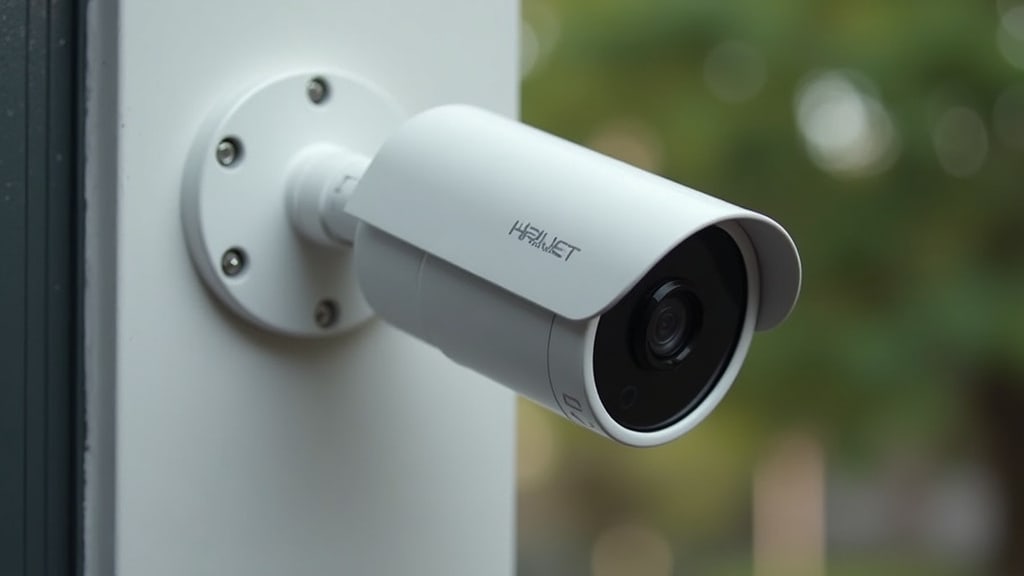
You generally do not need an NVR for IP cameras if your cameras are designed to work without one. Many modern IP cameras offer built-in storage or cloud recording options. An NVR, or Network Video Recorder, is a specialized device for storing and managing video footage, but it’s not always the only solution.
Deciding whether you need an NVR depends on your specific camera setup and recording needs. Some systems connect directly to your Wi-Fi and save footage to an SD card or cloud service. Other IP cameras require a central hub like an NVR for reliable, long-term storage and easier management.
- An NVR is a recorder for IP cameras.
- Many IP cameras can record without an NVR.
- Check if your cameras have built-in storage or cloud options.
- An NVR is useful for centralized recording and management.
Let’s break down exactly what an NVR is and when you might want one for your IP security cameras.
Understanding NVRs for Your IP Security Cameras
So, you’re looking into IP security cameras and wondering if you need a special box called an NVR. It’s a common question! The short answer is: sometimes, but not always. Many modern IP cameras are designed to work perfectly fine without one, but an NVR can offer some really nice benefits.
Let’s clear things up. An NVR stands for Network Video Recorder. Think of it as the central brain and hard drive for your IP cameras. It’s a device that connects to your network and records the video streams from your IP cameras. We’ll break down what that means for you and your security setup.
What Exactly Is an NVR?
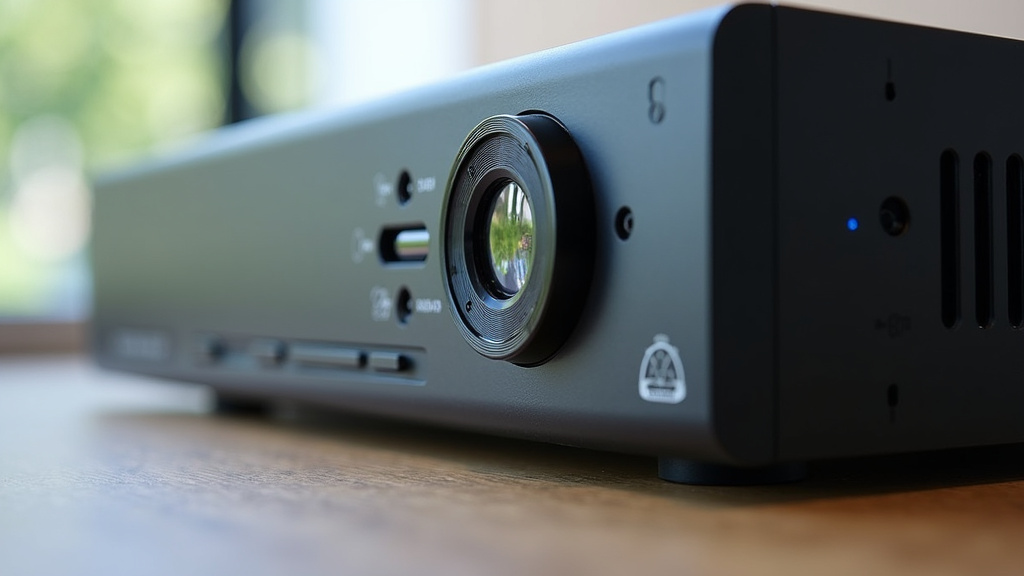
An NVR is essentially a dedicated computer. Its sole job is to receive, store, and manage video footage from IP cameras. It connects to your home or business network, just like your computer or smartphone. This allows it to “see” and communicate with your IP cameras.
The NVR typically has a hard drive inside. This is where all the recorded video is saved. You can usually choose the size of the hard drive, which determines how much footage you can store. More storage means you can keep recordings for longer periods.
When you set up an NVR system, your IP cameras send their video feeds over your network directly to the NVR. The NVR then records these feeds. This is different from older analog systems that used DVRs (Digital Video Recorders), which worked with coax cables. IP cameras use your network, and NVRs are built to handle that.
How NVRs Connect to Cameras
NVRs typically connect to your IP cameras using your existing network infrastructure. This usually means they connect via Ethernet cables. Some NVRs come with built-in Power over Ethernet (PoE) ports. This is super handy because it means the NVR can both power the cameras and receive their video signal through a single Ethernet cable. This simplifies wiring a lot!
If your NVR doesn’t have PoE ports, you’ll need a separate network switch. You’d connect the cameras to the switch, and then connect the switch to the NVR. Your cameras would also need a power source, either a separate power adapter or a PoE injector.
What NVRs Offer You
Beyond just recording, NVRs often provide several useful features:
- Centralized Storage: All your video is in one place, making it easier to manage and back up.
- Playback: You can easily review recorded footage directly from the NVR.
- Remote Access: Most NVRs let you view live and recorded video from anywhere using a smartphone app or web browser.
- Advanced Features: Some NVRs offer analytics like motion detection, line crossing, or facial recognition, which can trigger recordings or alerts.
When Do You Likely Need an NVR?
You’ll probably want an NVR if you’re setting up a system with multiple IP cameras and need robust, reliable storage. Let’s look at the common scenarios where an NVR shines.
Multiple Cameras and Centralized Management
If you’re installing more than two or three IP cameras, managing them individually can become a hassle. Each camera might have its own settings, its own storage (like an SD card), and its own way of connecting. An NVR brings all these cameras under one roof.
Think of it like having a single filing cabinet for all your important documents instead of scattered notes. The NVR allows you to manage all cameras from a single interface. This makes setup, viewing, and retrieving footage much simpler. You can see all your camera feeds on one screen, for example.
Long-Term Storage Needs
Cameras that record to an SD card are great for short-term backup or simple setups. However, SD cards have limited capacity. Once they fill up, they usually overwrite the oldest footage. This means you might lose important events if you don’t access them quickly.
An NVR with a large hard drive can store days, weeks, or even months of footage, depending on the drive size and camera settings. This is essential for businesses or homeowners who need to keep recordings for extended periods for security or evidence purposes. Many guidelines suggest keeping recordings for at least 30 days (Home Security Magazine).
Reliability and Continuous Recording
While many cameras can record to SD cards or the cloud, these methods can sometimes be less reliable than a dedicated NVR. Internet outages can disrupt cloud recording. SD cards can fail or get corrupted.
An NVR is a dedicated piece of hardware designed for recording. It stores footage locally on its hard drive, so it’s not dependent on your internet connection for basic recording. This makes it a very dependable option for continuous, uninterrupted surveillance.
When an NVR Might NOT Be Necessary
Now, let’s flip the coin. There are plenty of situations where you can skip the NVR and still have a great IP camera system.
Cameras with Built-in Storage
Many modern IP cameras, especially those designed for home use, come with their own recording capabilities. These cameras often have a slot for a microSD card. You simply insert a card, and the camera records directly onto it. This is a straightforward solution for a single camera or a few cameras.
You can then usually access the footage on the SD card through the camera’s mobile app or web interface. This avoids the need for any extra hardware like an NVR.
Cloud-Based Recording Services
Another popular option is cloud recording. With these services, your IP cameras stream their video footage directly to a secure server in the cloud. You pay a monthly or annual subscription fee for this service.
The advantages are clear: you don’t need any local storage devices, and your footage is safe even if your cameras are stolen or damaged. You can access your recordings from anywhere with an internet connection. Many companies like Nest, Ring, and Arlo primarily use cloud recording.
However, cloud recording relies heavily on your internet connection. If your internet goes down, your cameras may stop recording or only record locally if they have that capability. You also have ongoing costs associated with the subscription.
Single Camera Setups
If you only need one or two IP cameras for a specific purpose, like monitoring your front door or a backyard area, an NVR is likely overkill. A single camera with an SD card slot or a camera that uses cloud recording is usually sufficient and much more budget-friendly.
Cameras with Direct PC/NAS Recording Capabilities
Some advanced IP cameras can be configured to record directly to a computer or a Network Attached Storage (NAS) device. A NAS is essentially a small server that can store large amounts of data. If you already have a NAS, you might be able to use it as your video recorder, saving you the cost of an NVR.
Key Differences: NVR vs. Other Recording Methods
To help you decide, let’s compare an NVR to the other common ways IP cameras record video.
| Feature | NVR (Network Video Recorder) | SD Card Recording | Cloud Recording |
|---|---|---|---|
| Storage Location | Dedicated hard drive inside the NVR unit. | MicroSD card inside the camera itself. | Remote servers over the internet. |
| Setup Complexity | Moderate: Connect cameras to network, NVR to network. | Simple: Insert card, configure camera settings. | Simple: Connect camera to Wi-Fi, subscribe to service. |
| Storage Capacity | High (depending on hard drive size). | Low to Moderate (typically 32GB – 256GB). | Varies by subscription plan; often very large. |
| Cost | Initial hardware purchase, no ongoing fees. | Low initial cost (cost of SD card). | Monthly/annual subscription fees. |
| Reliability | Very high (local storage, not reliant on internet). | Moderate (SD cards can fail). | Dependent on internet connection. |
| Remote Access | Typically excellent, often app-based. | Varies by camera manufacturer; can be limited. | Excellent, designed for remote access. |
| Best For | Multiple cameras, long-term storage, continuous recording. | Single camera, temporary storage, simple backup. | Convenience, off-site backup, remote access focus. |
Making Your Choice: A Quick Checklist
Still on the fence? Ask yourself these questions:
- How many IP cameras do you plan to use?
- Do you need to store footage for weeks or months?
- Is reliable recording, even if your internet goes out, a priority?
- Are you comfortable with ongoing subscription fees for cloud services?
- Do you want all your camera feeds managed from one central device?
- What’s your budget for both initial setup and potential ongoing costs?
Answering these will point you toward the right solution for your security camera needs. If you have many cameras and need robust, long-term storage, an NVR is likely your best bet. For simpler needs, cameras with SD cards or cloud services might be more than enough.
Conclusion
Deciding if you need an NVR for your IP cameras boils down to your specific security needs. Many modern cameras offer built-in storage or cloud options, making an NVR optional. However, for systems with multiple cameras, requiring long-term storage, or prioritizing uninterrupted recording, an NVR provides centralized management and reliability. If your setup is simple, or you prefer subscription services, you might be fine without one. Carefully consider your camera count, storage duration, and budget to make the right choice for your peace of mind.
Frequently Asked Questions
Can I use a regular computer to record my IP cameras instead of an NVR?
Yes, you can often configure your IP cameras to record directly to a computer. This usually involves installing specific software that can manage multiple camera streams. However, your computer needs to be running continuously for recording, which might not be as energy-efficient or reliable as a dedicated NVR.
Will my IP cameras still record if my internet goes down without an NVR?
If your cameras rely solely on cloud recording, they likely won’t record during an internet outage. Cameras with built-in SD card storage will usually continue to record locally. An NVR records directly to its hard drive, so it won’t be affected by internet disruptions for its primary recording function.
How much storage space do I typically get with an NVR compared to an SD card?
NVRs use hard drives that can range from 1TB to many terabytes, allowing for weeks or months of footage from multiple cameras. SD cards in cameras are usually much smaller, typically ranging from 32GB to 256GB, offering only a few days of continuous recording before needing to overwrite older footage.
Is an NVR setup more complicated than just using cameras with SD cards?
Generally, setting up cameras with SD cards is simpler, as you just insert the card and configure the camera. An NVR requires connecting the cameras to your network, then connecting the NVR to the network and configuring it to recognize each camera, which can involve a few more steps.
What happens if my NVR is stolen or damaged? Will I lose all my recordings?
If your NVR is stolen or damaged, you will likely lose the recordings stored on its hard drive. This is a key difference compared to cloud recording, where your footage is stored off-site. Some users back up their NVR footage to a secondary location or use cloud services as a supplement.