What Is a Wireless NVR, and Why It Matters?
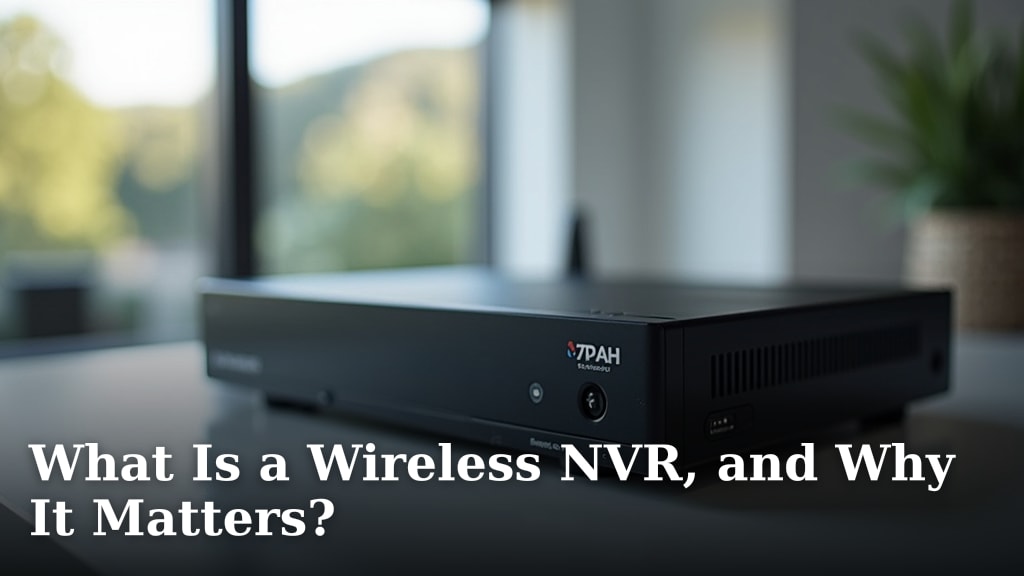
A wireless NVR is a network video recorder that connects to your security cameras over Wi-Fi instead of cables. It’s essentially the brain of your wireless security system, helping you record, store, and manage video feeds from your cameras. This makes setting up a security system much simpler and cleaner than traditional wired options.
Many people wonder if wireless NVRs are as reliable as their wired counterparts. Research and common experience show that while they offer convenience, you’ll want to ensure a strong Wi-Fi signal for the best performance. They’re designed to make home or small business surveillance more accessible and less intrusive, cutting down on messy wiring.
- A wireless NVR records and manages video from Wi-Fi cameras.
- It makes setting up security systems easier and cleaner.
- Reliability depends on a good Wi-Fi connection.
- It’s a smart choice for simpler, less intrusive surveillance.
- You get easy access to your recordings from anywhere.
So, if you’re thinking about beefing up your home security without a headache of wires, let’s look closer at what a wireless NVR is and why it might be exactly what you need. Our guide to a standalone camera vs security system explains the differences.
Understanding Your Wireless NVR System
So, what exactly is this wireless NVR device? Think of it as the command center for your Wi-Fi security cameras. It’s a specialized computer designed to receive, store, and manage video streams from your cameras. Unlike older systems that relied on bulky cables running everywhere, a wireless NVR connects to your cameras wirelessly, usually through your home or office Wi-Fi network.
How a Wireless NVR Works
Your wireless security cameras capture video and send it over your Wi-Fi connection. The NVR then receives these video feeds. It records the footage onto its hard drive, allowing you to watch live streams or playback past events. It’s like having a digital video recorder for your security cameras, but all done wirelessly.
This makes the setup process much simpler. You don’t need to run Ethernet cables through walls or ceilings. As long as your cameras have a good Wi-Fi signal and power, they can connect to the NVR. The NVR itself typically needs to be connected to your router with an Ethernet cable for internet access, and it needs power, of course.
The Role of the NVR in a Wireless Setup
Many people think a wireless security system means everything is wireless. That’s not quite right. While the cameras connect wirelessly to the NVR, the NVR usually needs a wired connection to your home router. This connection lets you access your recordings remotely and receive notifications. It’s the bridge between your local network and the outside world.
Without the NVR, your wireless cameras would just be recording and transmitting video with nowhere to securely store it long-term. The NVR acts as the central brain, organizing and safeguarding all that important footage. It’s the difference between having a bunch of unconnected cameras and a functional, managed security system.
Key Benefits of Using a Wireless NVR
Why choose a wireless NVR over other options? The advantages often boil down to convenience and flexibility. Let’s break down why it matters for your security needs.
Simplified Installation and Setup
This is perhaps the biggest draw for many shoppers. Imagine setting up security cameras without needing to drill holes or snake wires through your entire house. With a wireless NVR system, you can place your cameras in optimal locations, as long as they are within Wi-Fi range and have a power source. This saves a lot of time and potential installation costs. Research shows that simpler setups lead to higher adoption rates for home security (Consumer Reports).
You might wonder, “Is it really that easy?” For the most part, yes. You power up your cameras, connect them to your Wi-Fi network through the NVR’s interface, and you’re good to go. The NVR handles the rest. This makes it a great option for renters or those who don’t want permanent wiring changes.
Reduced Mess and Improved Aesthetics
Wires can be unsightly. Running them through walls can be complicated. A wireless NVR system means fewer visible wires, leading to a cleaner look for your home or business. You can position cameras more discreetly without worrying about how to hide cables. This is a big win for anyone who values a tidy living space.
Think about your living room or office. Would you prefer exposed wires or a sleek, wire-free appearance? A wireless NVR helps you achieve the latter, making your security system blend in rather than stand out as a visual distraction.
Flexibility in Camera Placement
Need to move a camera to cover a new blind spot? With a wireless system, it’s usually a simple matter of repositioning the camera and ensuring it still has a strong Wi-Fi signal and power. This adaptability is a major advantage over fixed, wired systems. You can easily adjust your surveillance zones as your needs change.
This flexibility is particularly useful for temporary setups or for businesses that frequently reconfigure their layouts. You’re not locked into a specific camera location because of wiring limitations.
Remote Access and Monitoring
Most wireless NVR systems come with mobile apps or web portals. This allows you to view live camera feeds, review recorded footage, and receive alerts from anywhere in the world with an internet connection. It’s like having a security guard watching your property 24/7, accessible from your smartphone or computer.
Many experts highlight remote access as a key feature for modern security systems. It provides peace of mind, allowing you to check in on your home or business even when you’re miles away. You can see if the kids got home from school safely or check on your pets while you’re at work.
Considering the Practicalities of Wireless NVRs
While the benefits are clear, it’s wise to consider the practical aspects of a wireless NVR. Understanding these points will help you make the best choice for your situation.
The Importance of Wi-Fi Signal Strength
This is where reliability comes in. A wireless NVR relies entirely on your Wi-Fi network to communicate with your cameras. If your Wi-Fi signal is weak or unstable in certain areas, you might experience lagging video, dropped connections, or poor recording quality. Many users find that a strong, consistent signal is the most critical factor for optimal performance.
We found that ensuring your Wi-Fi network can handle the demands of multiple video streams is key. Consider your router’s capabilities and the distance from the router to your cameras. Sometimes, a Wi-Fi extender or a mesh network can solve signal issues (Ubiquiti Networks).
Power Sources for Cameras
Even though the video signal is wireless, your cameras still need power. Most wireless cameras plug into a standard electrical outlet. This means you’ll need to place your cameras relatively close to an outlet or use weatherproof extension cords. Some advanced systems offer battery-powered cameras, but these require regular charging or battery replacement.
Battery-powered cameras offer even more placement flexibility, but you’ll need to factor in the ongoing maintenance of keeping them charged. It’s a trade-off between ultimate placement freedom and the convenience of plug-in power.
Storage Capacity and Management
The NVR records video onto a hard drive. The size of this drive determines how much footage you can store. Higher resolution cameras and longer recording times require more storage space. You’ll want to choose an NVR with a hard drive capacity that suits your needs. Many NVRs support expandable storage, so you can add more capacity later if needed.
Consider how long you want to keep recordings. Do you need 7 days of footage, or 30 days? This will help you determine the necessary storage size. Some NVRs also offer cloud storage as a backup or primary storage solution, adding another layer of security for your recordings.
Security Considerations
Like any connected device, wireless NVR systems can be vulnerable if not properly secured. It’s essential to use strong, unique passwords for your NVR and your Wi-Fi network. Keeping your NVR’s firmware updated is also important, as updates often include security patches. Many cybersecurity experts recommend this as a baseline security measure (National Cybersecurity Alliance).
By taking these precautions, you can significantly reduce the risk of unauthorized access to your security system. Your recordings should be private and protected.
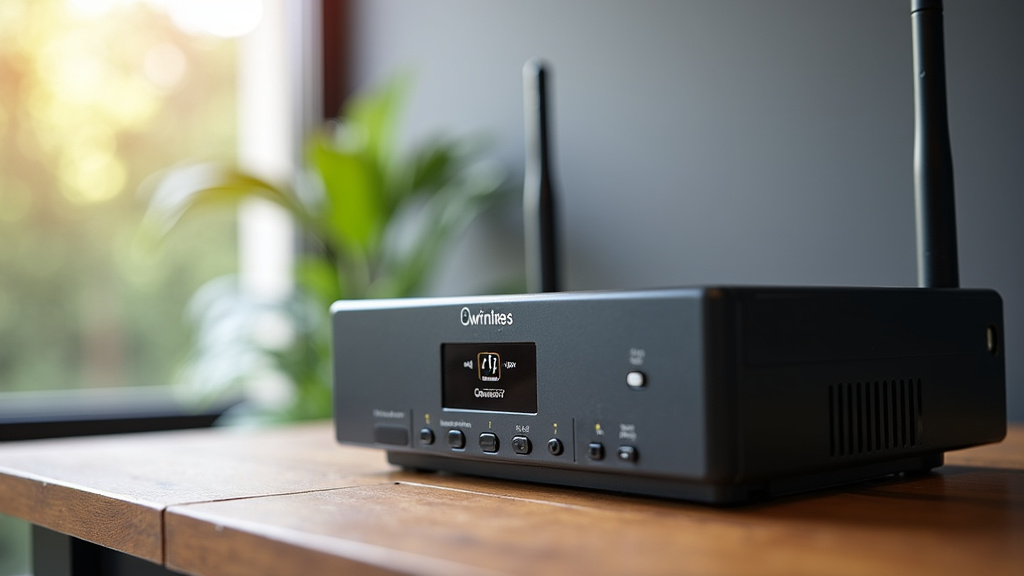
Choosing the Right Wireless NVR
When you’re ready to buy, here are a few things to keep in mind to ensure you get a system that works for you.
- Camera Compatibility: Make sure the NVR you choose supports the cameras you want to use. Some NVRs work with specific brands, while others are more universal.
- Storage Needs: Estimate how much footage you’ll need to store and for how long.
- User Interface: Look for a system that is easy to navigate, especially if you’re not tech-savvy.
- App Functionality: Check reviews for the NVR’s mobile app to ensure it’s reliable and user-friendly.
- Scalability: Can you add more cameras later if you expand your surveillance needs?
| Feature | Wireless NVR System | Wired NVR System |
|---|---|---|
| Installation Ease | Easier, less wiring | More complex, requires extensive cabling |
| Camera Placement | Highly flexible | Limited by cable runs |
| Signal Reliability | Depends on Wi-Fi strength | Generally more stable, direct connection |
| Aesthetics | Cleaner, fewer visible wires | More visible wiring |
| Cost | Can be similar, sometimes higher for wireless cameras | Can be higher due to installation labor |
Conclusion
You’ve learned that a wireless NVR is your central hub for a modern security system. It simplifies setup and keeps your space looking neat by cutting down on wires. While cameras connect wirelessly, remember the NVR often needs a wired connection to your router for remote access. Always ensure a strong Wi-Fi signal for the best performance. Now, you’re ready to choose a system that gives you peace of mind, whether you’re home or away.
Frequently Asked Questions
Will a wireless NVR system be as reliable as a wired one?
Research suggests that wireless NVR systems can be very reliable, provided you have a strong and stable Wi-Fi network. Signal strength is the biggest factor, so it’s important to test your Wi-Fi in camera locations. A good Wi-Fi setup is key to consistent performance.
Do I need to run any wires at all with a wireless NVR system?
Yes, while the cameras connect wirelessly to the NVR, the NVR itself typically needs a wired Ethernet connection to your router. This connection allows for remote access and notifications. Cameras will also need power, usually via a plug-in adapter.
How do I ensure my wireless cameras have a strong enough signal?
You can check your Wi-Fi signal strength using a smartphone app in the intended camera locations before installation. If the signal is weak, consider moving your router, using a Wi-Fi extender, or upgrading to a mesh Wi-Fi system. Proper placement is essential.
Can I add more cameras to a wireless NVR system later on?
Most wireless NVR systems are designed to be scalable. You can usually add more compatible cameras as your surveillance needs grow, as long as the NVR supports the total number of cameras. Check the NVR’s specifications for its maximum channel capacity.
What happens to my recordings if my internet goes down?
Your recordings are stored directly on the NVR’s hard drive. This means that even if your internet connection fails, the NVR will continue to record footage from your cameras. You will only lose remote access until your internet service is restored.